
Buying and rollout
Android POS or desktop POS for a Ghana shop?
Compare device fit, printing, staff use and repair options before choosing a retail till.
Reviewed by the EazSell editorial team · Updated 21 September 2026
Direct answer
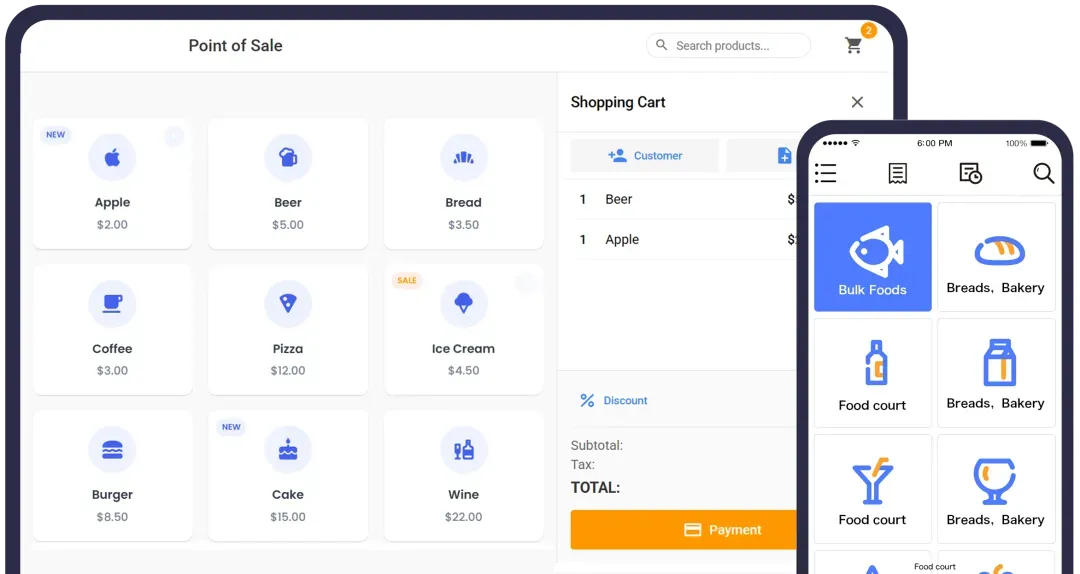
Android POS is useful when a shop wants a compact counter or handheld device. A desktop POS may suit a fixed till with several peripherals. The right choice depends on the workflow, supported hardware and local repair plan, not the operating system alone.
Start with the physical counter
Measure the available space and watch how staff scan, take payment and hand over receipts. A handheld device is convenient on a shop floor; a fixed screen may be easier when one cashier handles a long queue and several peripherals.
Check failure points
Ask how the device behaves when power or internet fails, how printers reconnect and what happens if a terminal breaks. A spare charger, printer and replacement device may matter more than a long feature list.
Keep software and tax separate
EazSell runs on supported Android hardware. Hardware choice does not settle whether an E-VAT invoice is authorised. That is a separate implementation and onboarding question.
What to check before you decide
- Test the actual printer and scanner.
- Ask for a replacement-device procedure.
- Try a full cashier shift on the proposed form factor.
Questions people ask
Does Android mean the POS works offline?
No. Offline behaviour depends on the software and on which task is being performed.
Keep reading
Want to test this against your own shop?
Tell us about your checkout, devices and current invoicing process. We can show the relevant POS workflow and identify what still needs local verification.
Request a demo